Checkeeper Account Feature: Add-Ons
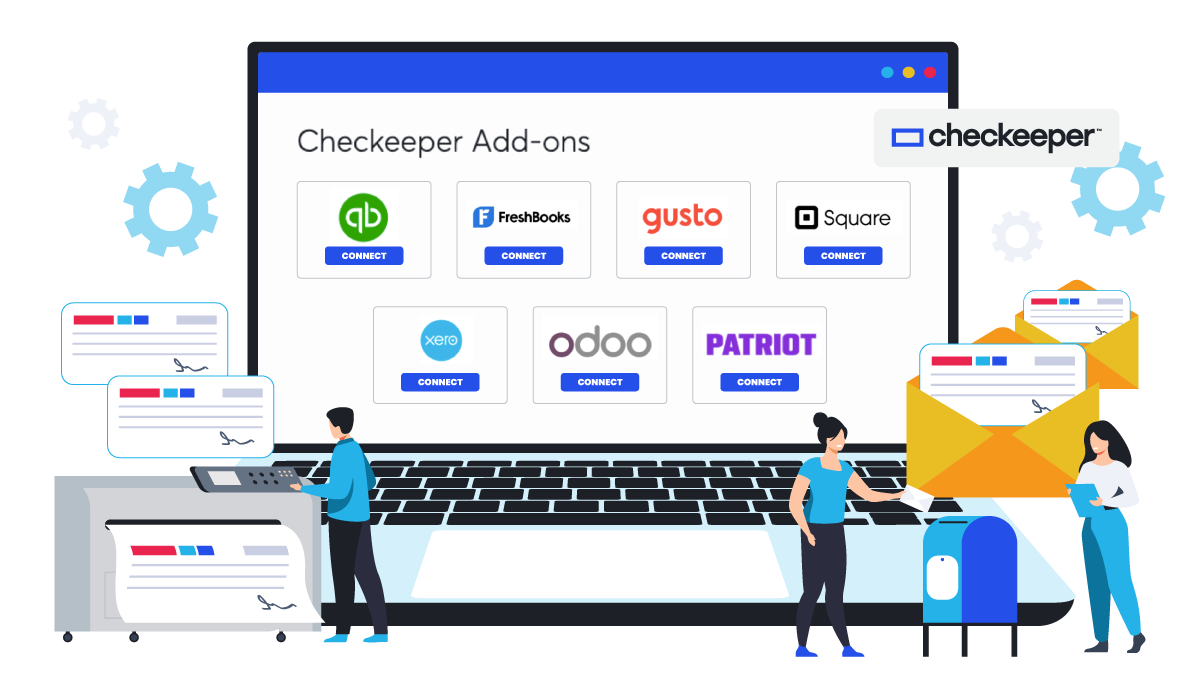
Checkeeper integrates with many widely-used accounting and payroll software services to help streamline the financial management. If you’ve never linked your Checkeeper account to your other accounting applications, you may be missing out on some benefits of real-time updates, enhanced accuracy, and automatically synced data.
Checkeeper works compatibly with:
· QuickBooks Online
· FreshBooks
· Gusto
· Square
· Xero
· Odoo
· Patriot Payroll
What are the benefits of Checkeeper add-ons?
Checkeeper offers users unique benefits and features that can be accessed with the add-on options. Linking Checkeeper to these other software services can:
· Enhance accuracy with data synced automatically across multiple platforms
· Improve efficiency by requiring less manual data entry
· Make bookkeeping take less time
· Use cloud storage to store data
· Enable remote, real-time access from anywhere
· Add a customized paper check option to payroll and other payments
How do I use Checkeeper add-ons?
Log in to Checkeeper, and select ‘Add-ons’ from the left-side navigation bar. The Checkeeper Add-ons page presents a menu of choices of software services for accounting and payroll that you can link to Checkeeper. Select the add-on you wish to use, and follow the prompts to log in to your account and link Checkeeper. Once add-ons are selected, users can access them right from the navigation bar inside the ‘Create’ tab.
Using an add-on allows Checkeeper to share data with the other software, offer a custom check-printing option, and streamline the bookkeeping so that it takes less time, effort, and paperwork.
For more detailed and visually-presented guidance, check out Checkeeper’s online videos that walk new users through the integrations and how to get the most out of them. With Checkeeper’s add-ons, users can:
· Pay the accounts payable invoices
· Import, print, and mail paychecks
· Sync payroll data automatically
· Record and save new check expenses into designated expense categories
· Stop entering data multiple times in multiple programs
What can Checkeeper users do with linked accounts?
Convert bills to checks
Instead of printing out multiple statements for your unpaid bills and creating individual checks for each vendor, link your Checkeeper to your Odoo or Xero account, and seamlessly import the data from your unpaid invoices. Checkeeper can generate a check for each vendor, consolidating multiple payments due to the same one, thereby saving time, reducing paperwork, and enhancing efficiency all at once. Checks reflecting multiple payments due to the same supplier will have an attached invoice table breaking down the total.
Run payroll
Checkeeper works as a stand-alone payroll service for many businesses, enabling custom paycheck printing and mailing on demand. Checkeeper can also integrate with Gusto, Square, or Patriot Payroll to offer a custom check option to those employees paid by paper check. Data from checks can be automatically synced in the payroll platform for more accurate and efficient bookkeeping. Easy-to-follow instructions and videos can get you started.
Streamline the financial management
Manually entering data in multiple ledgers and software systems is a process highly prone to error, and it is not as efficient as automation. Using online, cloud-based services that work together reduces the time spent on—and the errors caused by—excessive manual data entry. Sync the same data across multiple platforms at once, keep it updated in real time, and make it accessible to all authorized users from anywhere they happen to be working.
Pro Tips offers guidance and quick reviews of Checkeeper features to new users
Need more help? Once you’ve selected the add-ons needed, visit ‘Pro Tips’ inside your Checkeeper account to get fast visual demonstrations of how to use Checkeeper features for optimal efficiency and accuracy in your payment process.